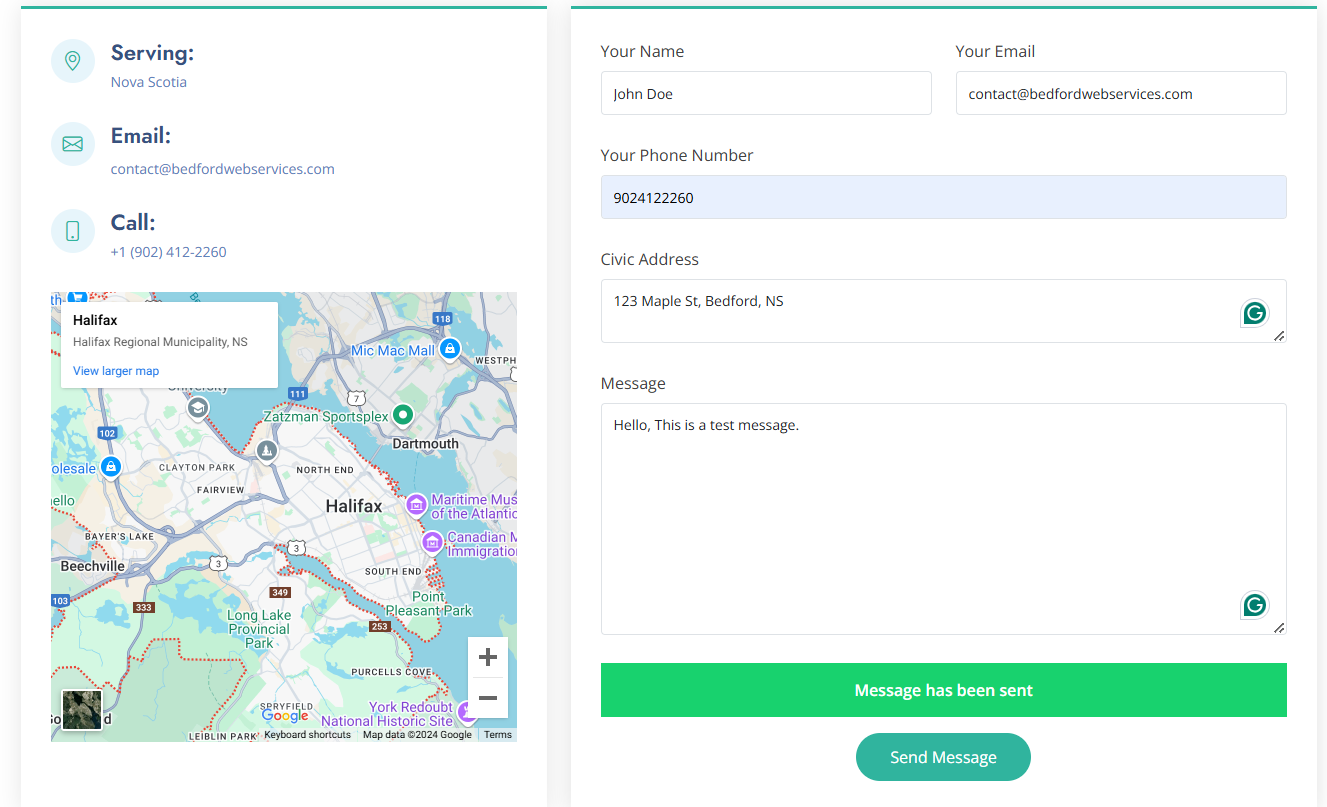
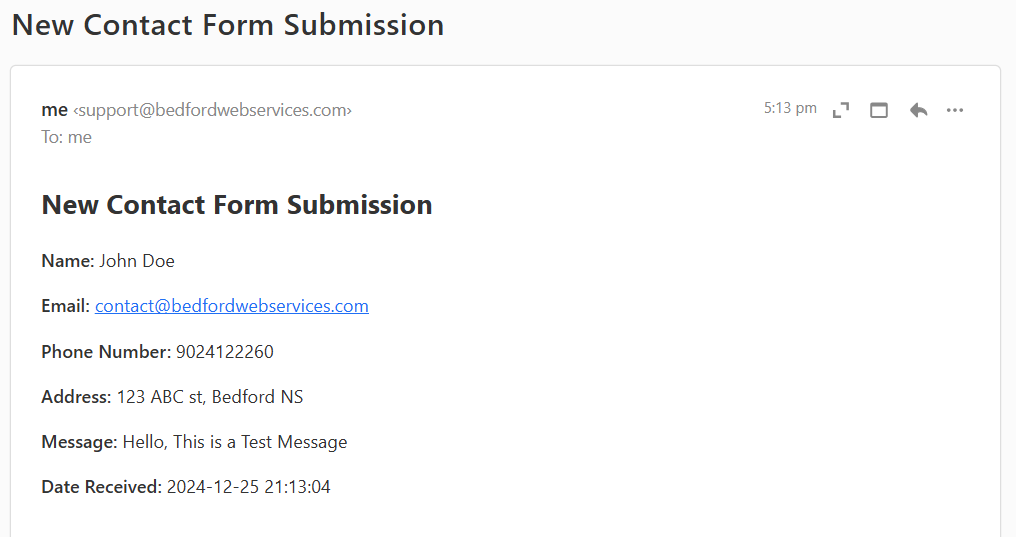
A Client requests a quote by submitting a form via contact form.
1. User-friendly Quote Request Form
The admin receives it via email & it is listed on the platform.
2. Quote Request Receipt Notification
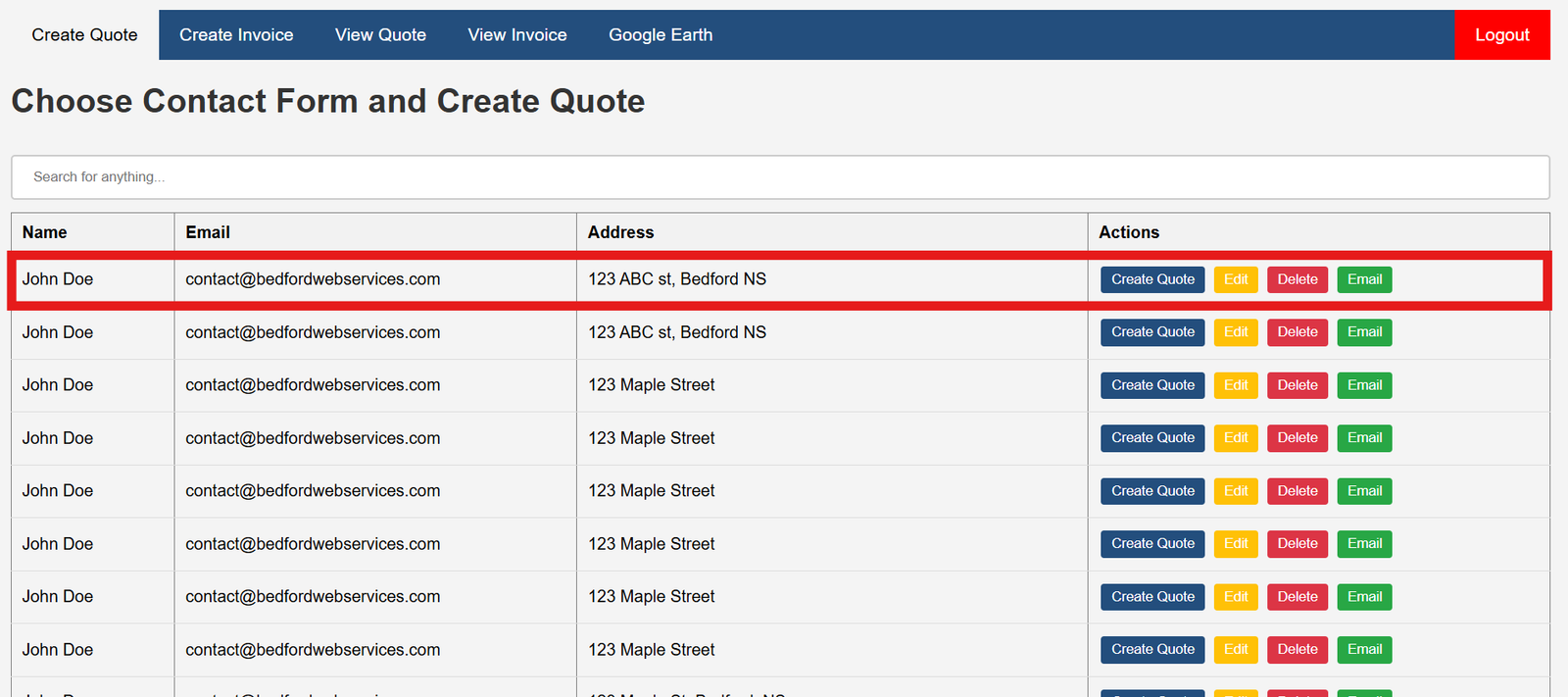
From the "CREATE QUOTE" page, the admin can create quotes by clicking on "create quote"
3. Creating Quote
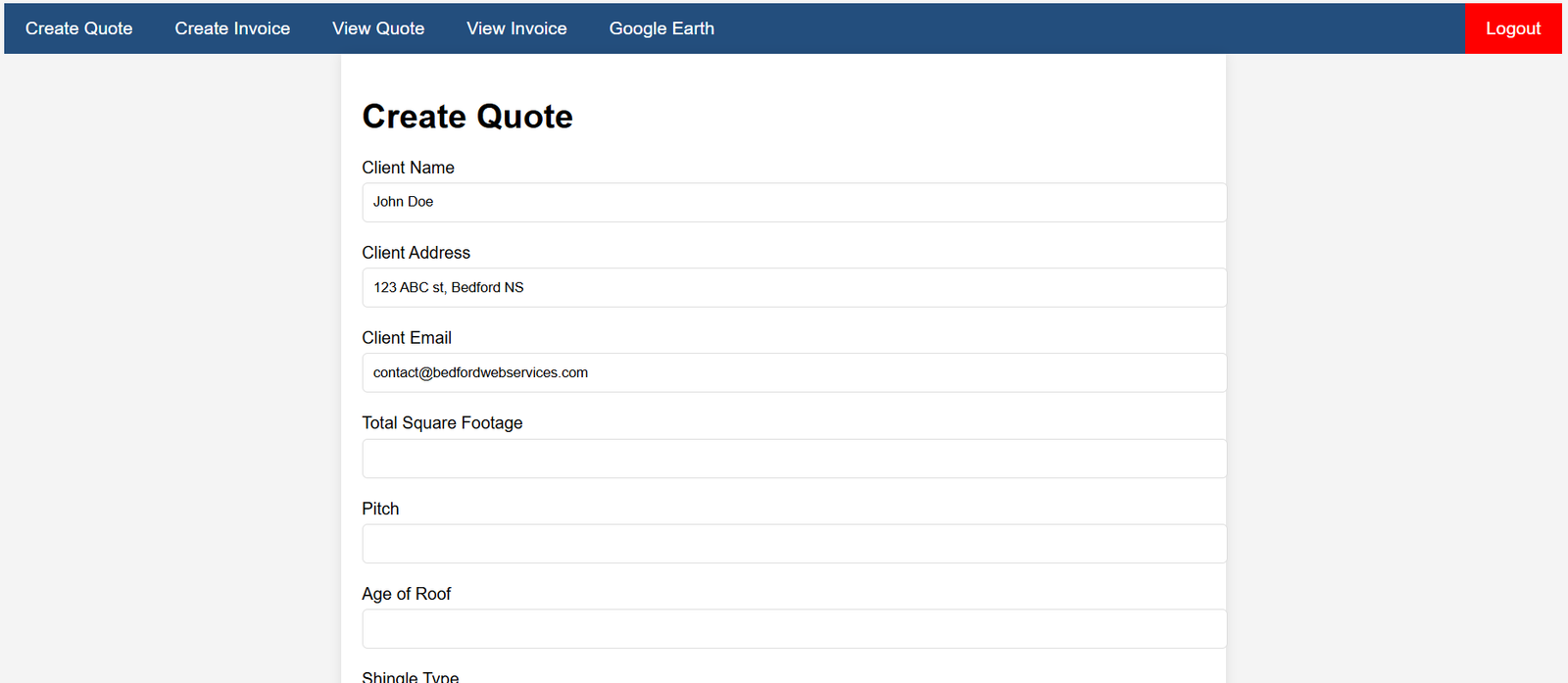
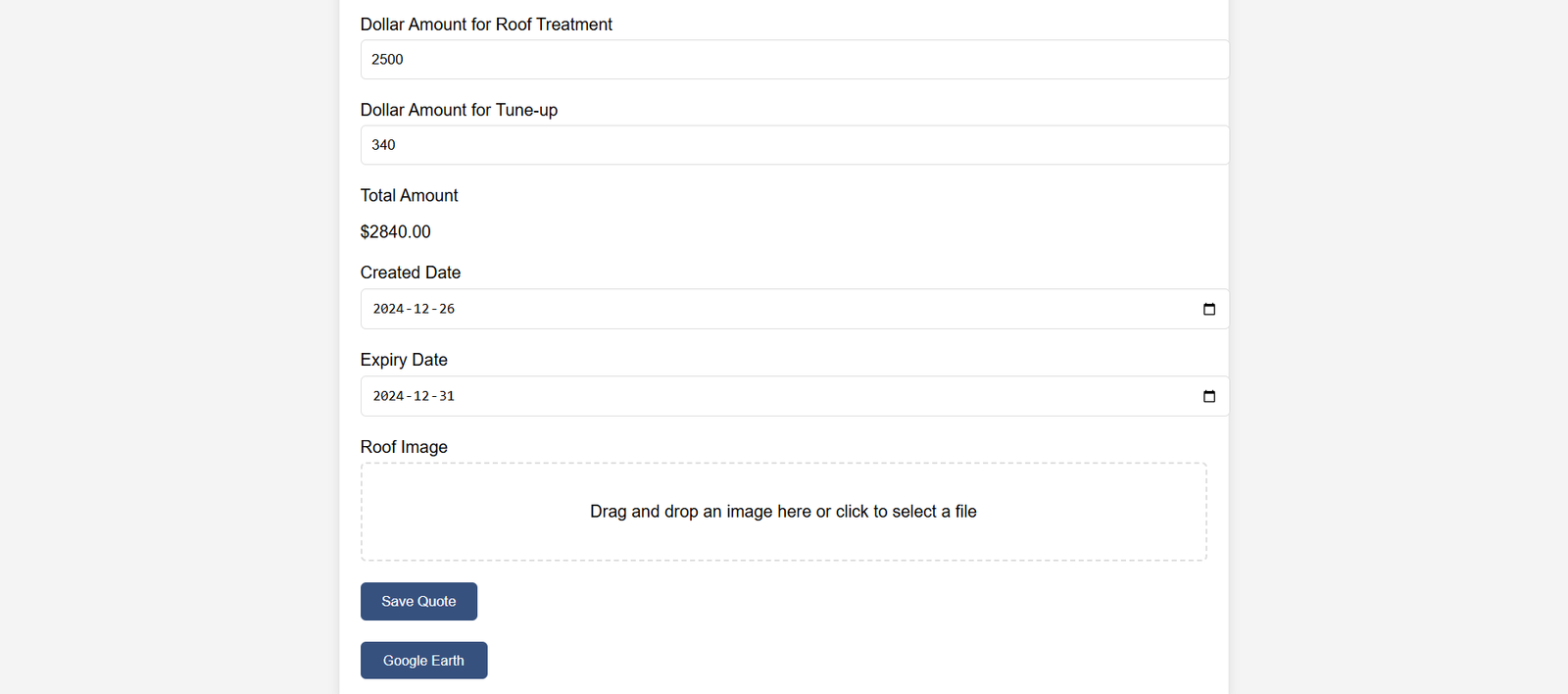
Once the quote is created, it will be displayed on the "VIEW QUOTE" page.
4. View Quote
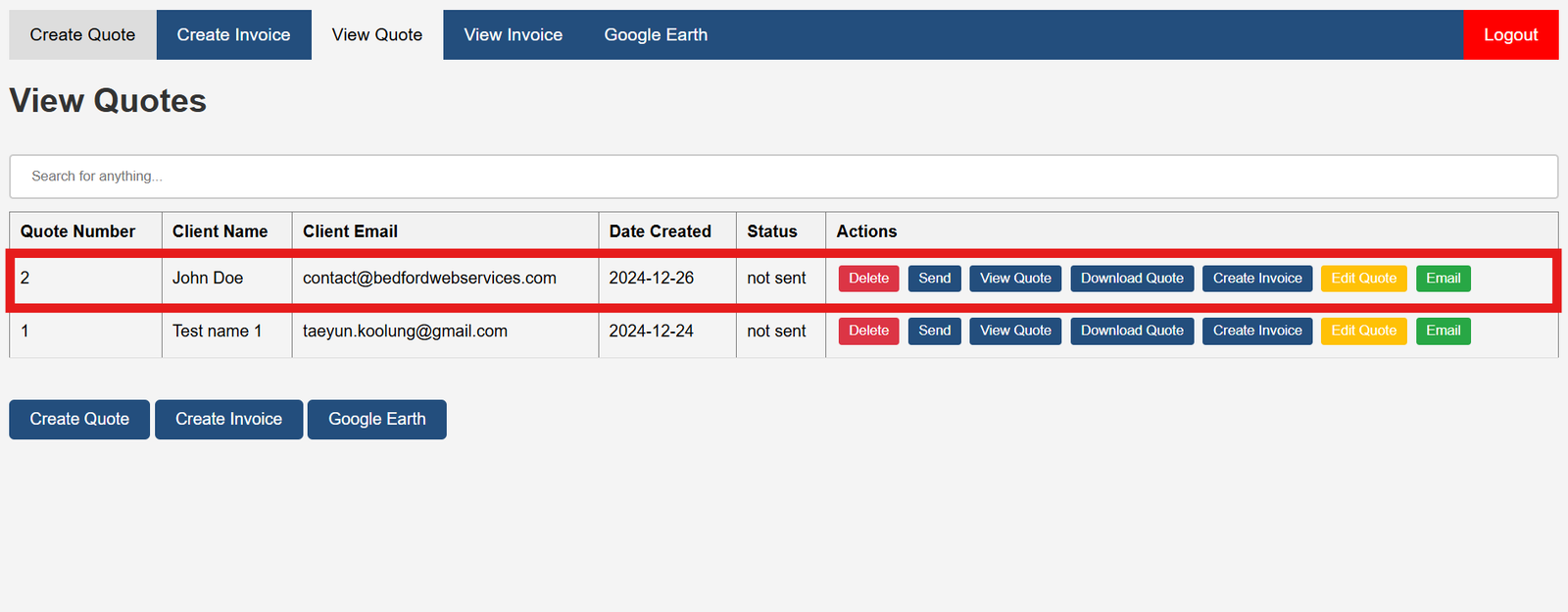
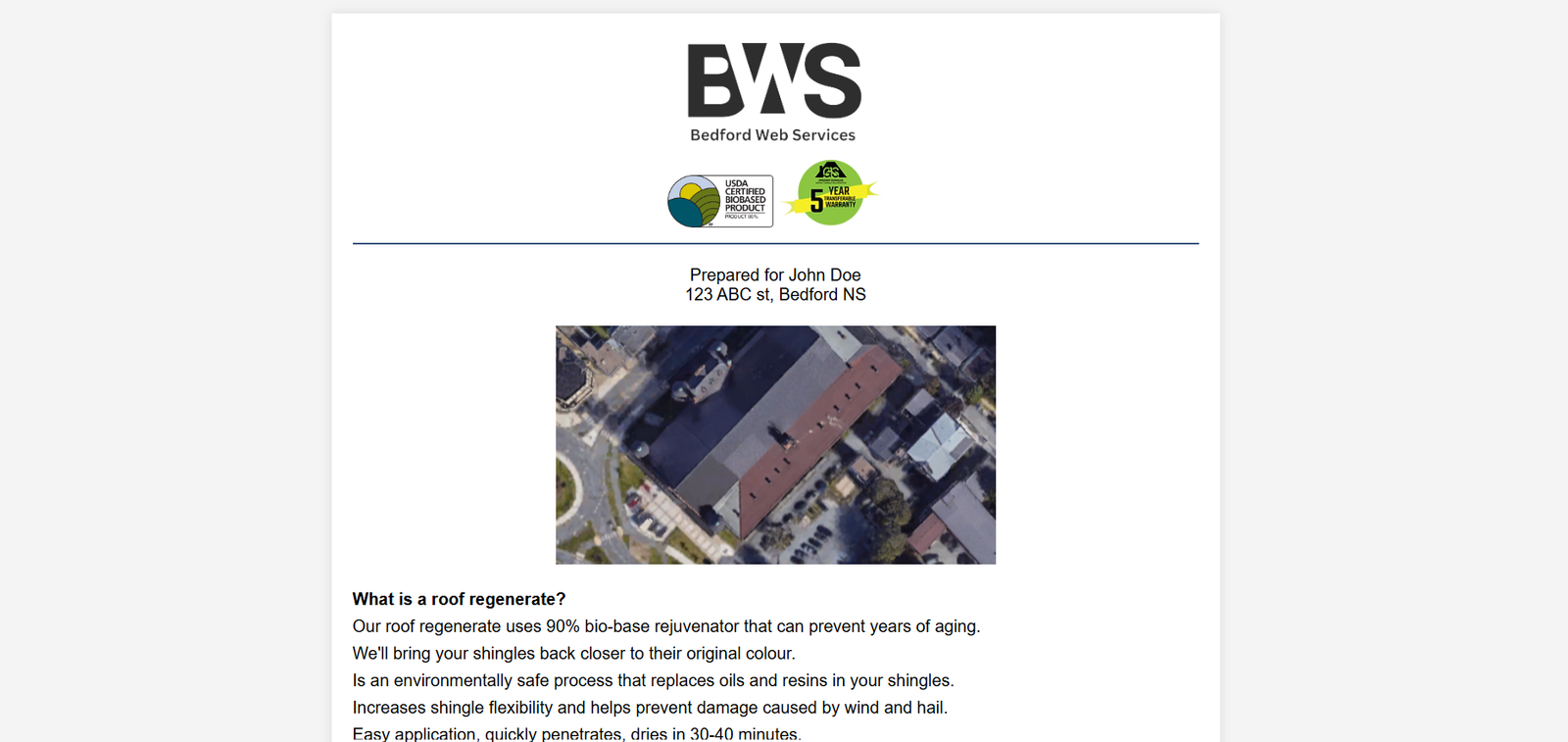
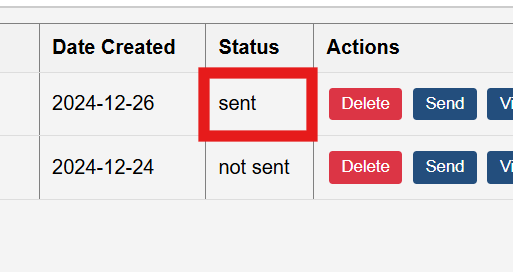
From the "VIEW QUOTE" page, the admin can send, view and download the quotes. (clicking on the "send" will send it to the clients' email.)
5. View, Download And Send the Quote
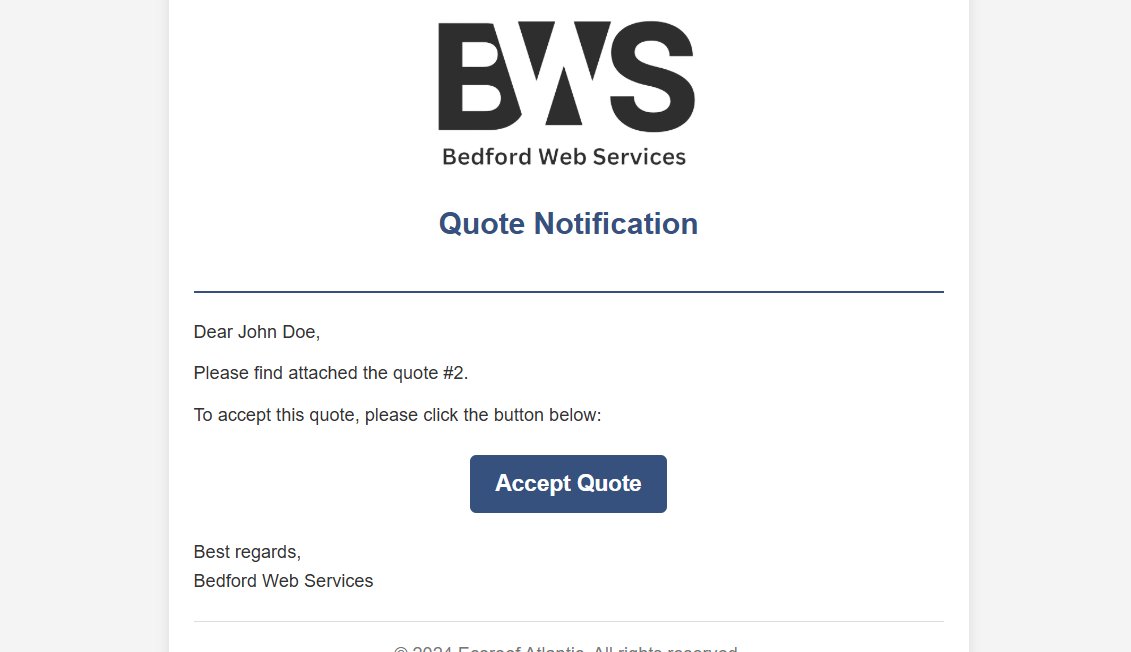
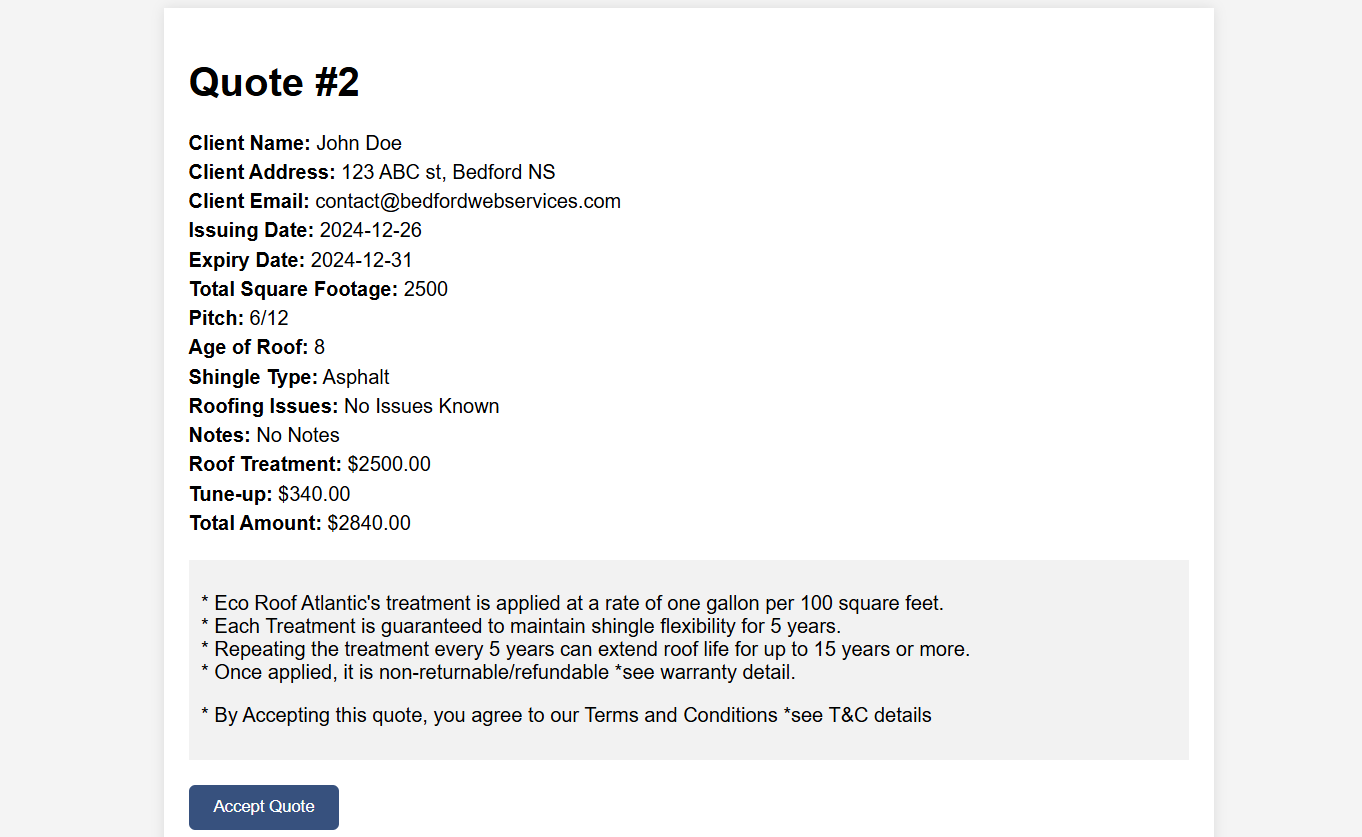
Once the client receives the quotes on their email, they can accept the quote.
6. Client Accepts the Quote
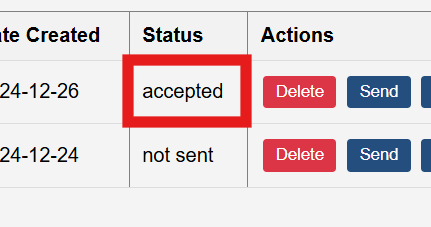
Once accepted by quote, the status will change on the list of quotes.
7. Receipt Status Change
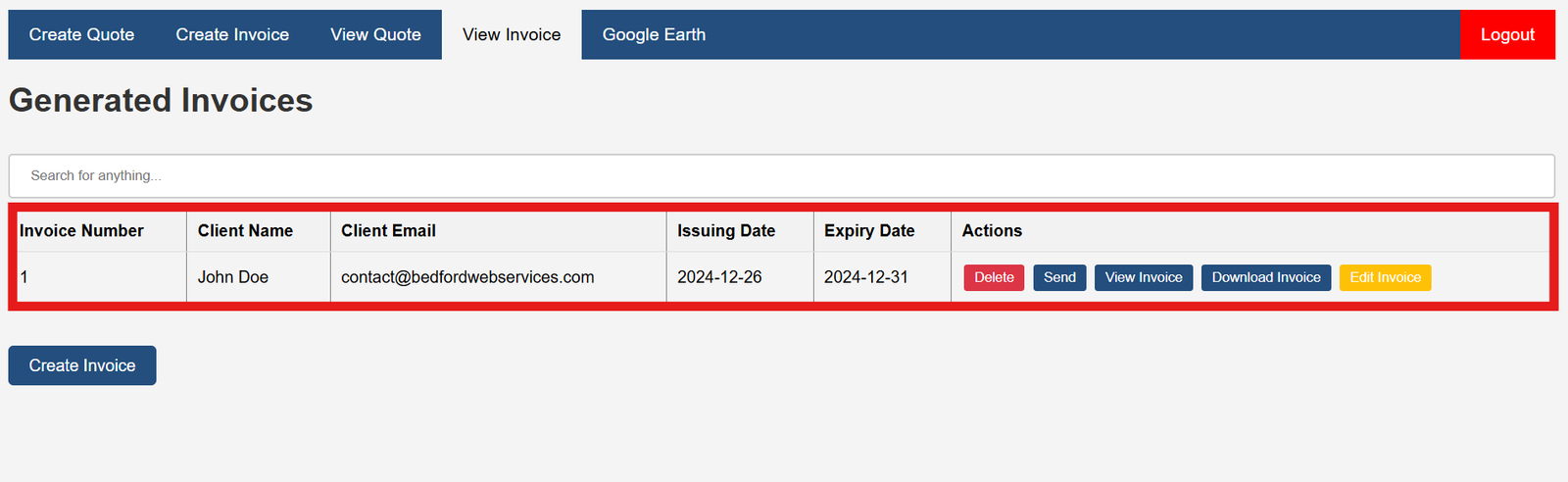
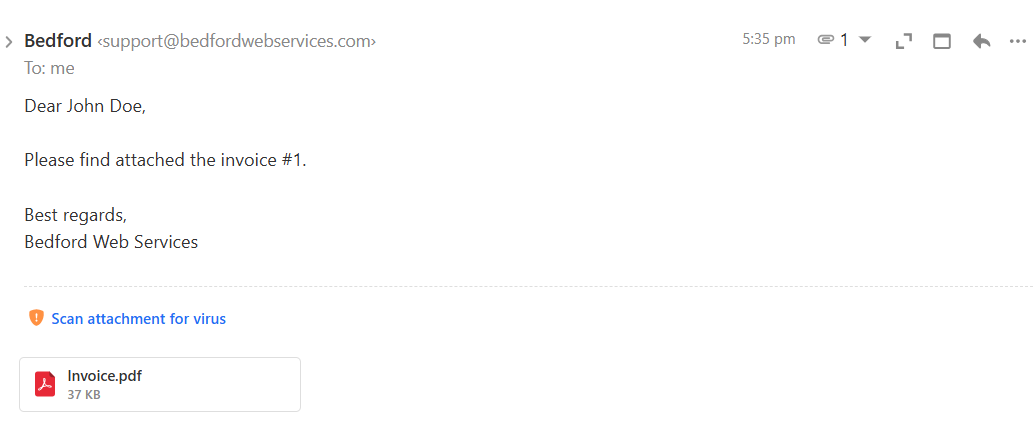
Then the admin can click on "create invoice" then the invoice will be created. this invoice will be listed on the "VIEW INVOICE" page, and it can be sent, viewed or downloaded.
8. Create Invoice & Send